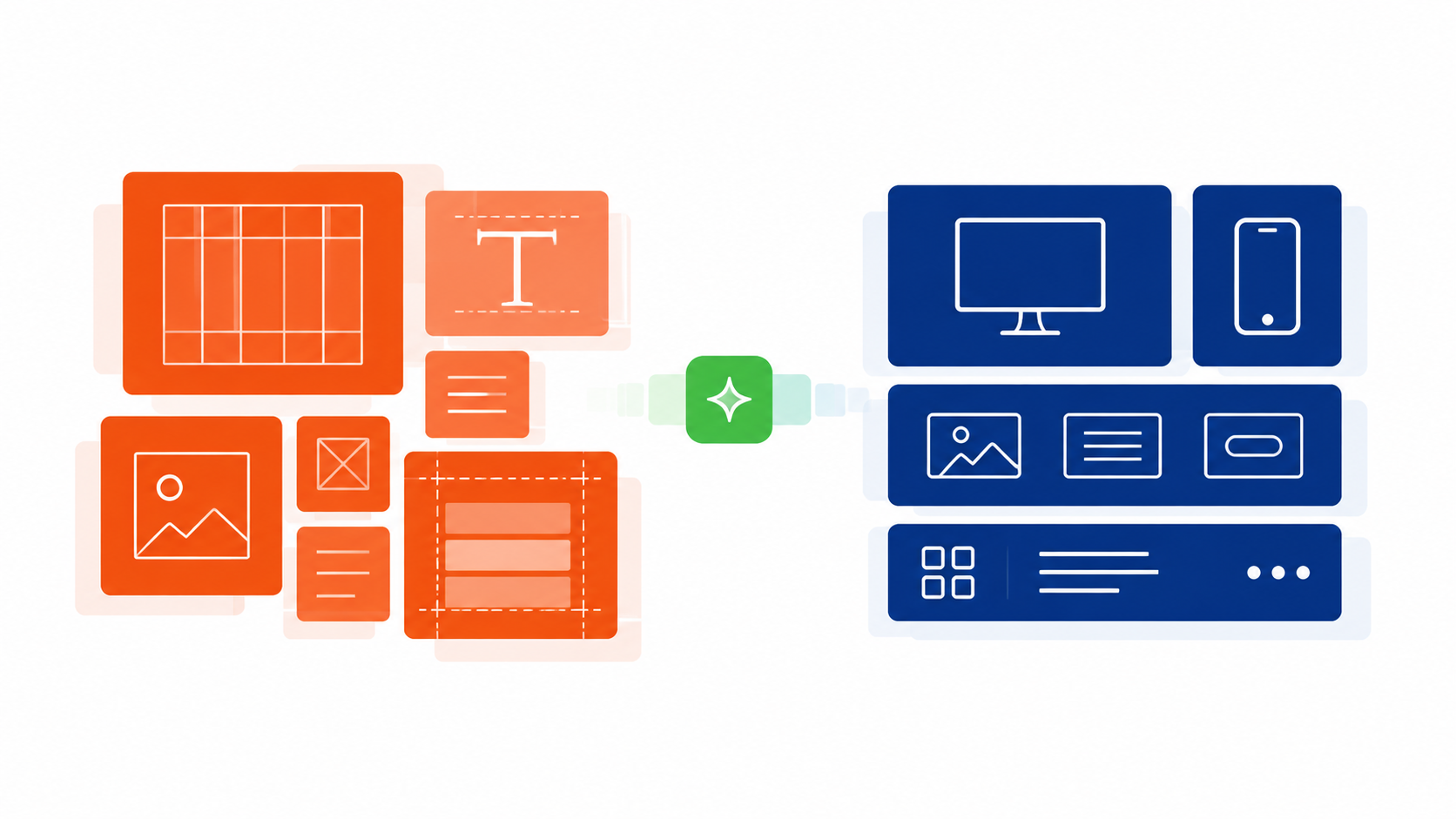
Webflow Development Agency for Flexible, Scalable Websites
Tech Striker designs and develops Webflow websites with reusable components, structured CMS architecture, responsive layouts and the flexibility teams need to keep improving their site.
When Your Website Becomes Harder to Change Than It Should Be
A business website should be easier to update as the company grows, not harder. When layouts, CMS structure, responsive behavior or reusable components are poorly organized, even routine changes can become slower and more complicated.
WHERE WEBSITE TEAMS OFTEN START TO STRUGGLE
01
EDITING FRICTION
Simple Website Changes Still Require Developer Help
Routine content, layout or campaign updates can become dependent on development work when reusable sections and editing controls were not structured around how the team actually works.
02
CMS STRUCTURE
The CMS Has Become Harder to Understand and Maintain
Content collections, fields and templates can become difficult to manage when the CMS grows without a clear structure or consistent publishing model.
03
DESIGN CONSISTENCY
Every New Landing Page Starts Looking Slightly Different
Without reusable components and clear design patterns, new pages can drift away from the original visual system and create unnecessary rework.
04
RESPONSIVE EXPERIENCE
Layouts Work on Desktop but Become Awkward on Smaller Screens
Responsive behavior needs deliberate implementation. Simply shrinking desktop layouts can create spacing, hierarchy and interaction problems on tablets and mobile devices.
05
PUBLISHING SPEED
The Website Structure Is Slowing Down Marketing Work
Campaigns, resources, case studies and new content can take longer to publish when the website is not built around repeatable layouts and manageable content systems.
WEBFLOW DEVELOPMENT SERVICES
Webflow Development Services for Websites That Need Room to Evolve
Whether the project starts with a design, an existing website or a more complex content system, Webflow development should create a site that is structured for how the business needs to publish, manage and improve it.
WEBFLOW SERVICE INDEX
01
DESIGN TO BUILD
Figma to Webflow
Turn approved Figma designs into responsive Webflow pages with reusable components, consistent styling and a structure that remains practical to maintain after launch.
02
CONTENT SYSTEMS
Webflow CMS Development
Structure collections, fields, templates and reusable content relationships around how the business actually publishes resources, pages and recurring content.
03
EXISTING WEBSITES
Webflow Website Redesign
Rework an existing website in Webflow when the visual experience, page structure, responsive behavior or underlying implementation needs a more deliberate system.
04
PLATFORM TRANSITION
Webflow Migration
Rebuild an existing website in Webflow with deliberate planning for content, CMS structure, URLs, redirects and the functionality that needs to continue working.
05
CONNECTED FUNCTIONALITY
Webflow Integrations & Custom Code
Extend Webflow with forms, business systems, third party services, APIs or custom code when the standard platform setup does not fully support the required workflow.
06
ONGOING DEVELOPMENT
Webflow Maintenance & Support
Continue improving an existing Webflow site with development fixes, new sections, CMS changes, technical refinements and functionality required as the website evolves.
DESIGN TO WEBFLOW
Turn Approved Designs Into a Webflow System That Stays Consistent
Moving from design to Webflow is not only about reproducing layouts. The build should preserve the visual system while creating reusable components, responsive behavior and a structure that remains practical as the website grows.
01
DESIGN INTENT
Start With a Clear Visual and Content System
Approved designs should establish more than individual page layouts. Typography, spacing, reusable patterns, content hierarchy and component behavior should be understood before development begins.
Figma design structure
Typography and spacing rules
Reusable interface patterns
02
FIGMA TO WEBFLOW
Translate the Design Into Reusable Webflow Components
The goal is to reproduce the approved design while building components, sections and styling rules that can be reused across pages instead of recreating the same patterns repeatedly.
Reusable Webflow components
Consistent styling system
Repeatable page sections
03
RESPONSIVE DEVELOPMENT
Design the Experience for More Than One Screen Size
Responsive implementation should consider layout changes, content hierarchy, spacing and interactions deliberately across desktop, tablet and mobile instead of simply shrinking the desktop design.
Responsive layout behavior
Mobile content hierarchy
Device-aware interactions
WEBFLOW CMS DEVELOPMENT
Build a Webflow CMS Around How Your Content Actually Works
A useful CMS starts with the content the business needs to manage repeatedly. Collections, fields, relationships and templates should reflect that structure so new content can be published without rebuilding the same layouts each time.
RECURRING CONTENT
Content Types Should Have a Clear Structure Before They Become Templates
The exact CMS model depends on what the website publishes, but common recurring content may include:
Resources & Articles
Case Studies
Team Profiles
Services & Solutions
Directories or Structured Listings
01
STRUCTURE
Define Collections and Fields Around the Information Each Content Type Needs
Each recurring content type should have a clear structure for the information it needs to store, such as titles, summaries, imagery, categories, dates, people or other content-specific fields.
CMS Collections
Content Fields
Consistent Content Structure
02
RELATE
Connect Related Content Where the Website Needs More Context
Reference relationships can connect relevant content types where appropriate, such as authors with articles, industries with case studies or related resources with service topics.
Content Relationships
Referenced Content
Related Content Structures
03
REUSE
Use CMS Templates and Dynamic Sections for Repeatable Page Patterns
Reusable templates and CMS-driven sections can keep recurring content aligned with the same layout rules while allowing the individual content to change from one entry to the next.
Collection Templates
CMS Driven Sections
Repeatable Publishing Patterns
MIGRATION, CUSTOM CODE & INTEGRATIONS
Move, Connect and Extend Webflow Without Adding Unnecessary Complexity
Webflow projects can involve more than rebuilding pages. Existing content, URLs, forms, marketing tools, business systems and custom functionality may all need to be considered when a website moves platforms or grows beyond a standard setup.
01
WEBFLOW MIGRATION
Rebuild an Existing Website in Webflow With the Important Details Planned First
Moving to Webflow can involve content, CMS structure, forms, URLs, redirects and existing functionality. The migration approach should reflect what needs to move, what should change and what must continue working after launch.
Content and page inventory
CMS structure planning
URL and redirect mapping
02
WEBFLOW INTEGRATIONS
Connect Webflow With the Systems That Support Marketing and Operations
Forms, CRM platforms, marketing tools and other business systems may need to exchange information with the website. Each integration should have a clear purpose and fit the workflow it is meant to support.
Form and CRM connections
Marketing platform integrations
Third-party service connections
03
CUSTOM CODE
Add Custom Functionality When the Standard Webflow Setup Is Not Enough
Custom JavaScript, APIs or other development may be appropriate when a required interaction or workflow cannot be handled cleanly through standard Webflow capabilities alone.
Custom JavaScript
API-based functionality
Workflow-specific enhancements
OUR WEBFLOW DEVELOPMENT PROCESS
A Webflow Development Process Built Around What the Website Needs to Do
Every Webflow project starts with different content, design requirements, workflows and technical constraints. The development process should reflect those realities instead of forcing every website through the same template.
01
UNDERSTAND
Understand the Website, Content and Business Requirements
Review the existing or planned website, content structure, target pages, publishing needs, integrations and technical requirements before deciding how the Webflow build should be structured.
Website requirements
Content and page inventory
Technical requirements
02
STRUCTURE
Define the Site Structure, Components and CMS Model
Translate the requirements into page structure, reusable components, content types, CMS relationships and responsive patterns so the build has a clear system before implementation expands.
Site architecture
Reusable component planning
CMS structure
03
BUILD
Develop the Webflow Site Around the Approved System
Build the Webflow implementation using the approved designs, reusable sections, CMS structures and required functionality while keeping the underlying system consistent across pages.
Webflow development
Reusable sections
CMS implementation
04
REVIEW
Review the Website Across Real Content and Devices
Check layouts, content, navigation, responsive behavior, forms and important interactions across relevant screen sizes and representative website scenarios.
Responsive review
Content and layout checks
Interaction testing
05
REFINE
Resolve Issues and Prepare the Website for the Next Stage
Address issues found during review, refine the implementation where required and prepare the approved work for launch, handoff or continued Webflow development.
Implementation refinements
Issue resolution
Launch or handoff preparation
WEBFLOW DEVELOPMENT FAQS
Questions About Webflow Development Services
Answers to common questions about building, redesigning, migrating and extending Webflow websites with Tech Striker.
Can Tech Striker build a new website in Webflow?
Yes. Tech Striker can design and develop a Webflow website around the business's content, page structure, responsive requirements and publishing needs. The scope can include reusable components, CMS development, integrations and custom functionality where required.
Can you build a Webflow website from a Figma design?
Yes. Approved Figma designs can be translated into responsive Webflow pages with reusable components, consistent styling and page structures that remain practical to maintain as the website grows.
Can you redesign an existing Webflow website?
Yes. An existing Webflow site can be improved without automatically rebuilding everything. The work may focus on page layouts, responsive behavior, design consistency, reusable components, CMS structure or other areas that need attention.
Can you develop a custom Webflow CMS?
Yes. Webflow CMS development can include planning Collections, fields, relationships, templates and recurring content structures around the way the business actually publishes and manages content.
Can Tech Striker migrate an existing website to Webflow?
Yes. A Webflow migration can involve rebuilding the website while planning content, CMS structure, URLs, redirects, forms and existing functionality. The exact approach depends on the current platform and technical setup.
Can you add custom code and integrations to Webflow?
Yes, where the required platforms and technical capabilities support the connection. Webflow development can include custom JavaScript, APIs, forms, CRM connections, marketing tools and other integrations based on the required workflow.