
Quick Summary
WordPress is strongest when your website needs broad design freedom, a flexible technical stack, or a content model that is highly specific to your business. HubSpot CMS is now part of Content Hub and is strongest when the website should work closely with CRM records, marketing activity, sales handoffs, and reporting. Neither is the default winner. The right choice depends on the operating model behind the website.
A website platform should support the way your team creates content, captures demand, manages data, and makes technical changes. A business can also use HubSpot alongside an existing WordPress site, so the choice is not always a full replacement. Start with the customer journey, your team’s capability, and the systems that need to connect.
WordPress vs HubSpot CMS: The Core Difference
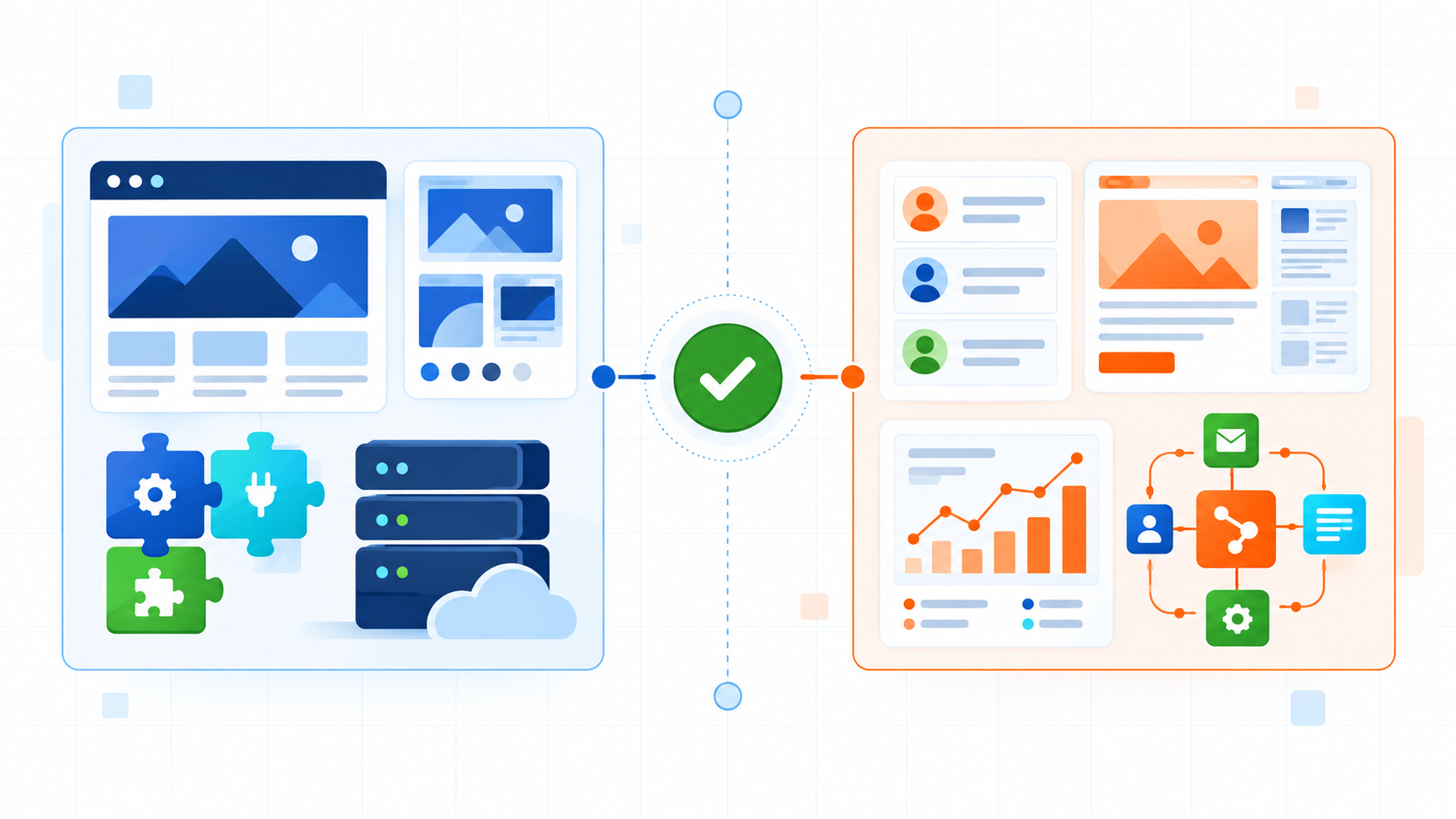
When WordPress Is The Better Fit
WordPress is often a good fit when the website itself is a major product, publishing, or experience platform. Its theme and plugin ecosystem can be useful when a business needs a custom build, an unusual integration, or full control over where and how the site is hosted. That freedom also creates a governance responsibility.
Custom Experience
Choose WordPress when the front end, content model, or user experience needs deeper tailoring than a standard website framework.
Stack Control
It can suit teams that want to choose their host, development approach, caching, security tooling, and integrations.
Publishing Depth
It can support content-heavy sites that need specialised taxonomies, editorial workflows, or custom archives.
Technical Ownership
It is best when someone has clear responsibility for updates, plugin choices, backups, performance, and security.
WordPress plugins extend the core platform, but they should be selected and maintained deliberately. A broad ecosystem is useful only when the business keeps compatibility, quality, and security under review. For a stronger foundation, see our WordPress security guidance and the wider WordPress development service.
When HubSpot Content Hub Is The Better Fit
HubSpot calls its current website and content platform Content Hub. It can be a strong fit for B2B teams that want their website, forms, contact records, marketing activity, and reporting to work in one connected environment. The benefit is not simply a page editor. It is the ability to operate content alongside the rest of the customer platform.
Connected CRM
Website activity can sit closer to the records and lifecycle processes that sales and marketing teams already use.
Campaign Operations
Forms, landing pages, content, and reporting are easier to coordinate when teams already operate in HubSpot.
Managed Platform
Hosting and core platform operations are managed by HubSpot, reducing the need to assemble and maintain a separate web stack.
Plan Dependent Tools
Personalisation and page testing can be valuable, but confirm the subscription, permissions, and configuration before treating them as requirements.
Content Hub can also complement WordPress through embedded forms, tracking, content embeds, or campaign pages. A full migration is not required just to use HubSpot for CRM or marketing. Teams evaluating automation should also review HubSpot marketing automation workflows.
WordPress vs HubSpot CMS by Business Requirement
Should You Migrate From WordPress to HubSpot?
Migrate when the current WordPress setup creates a real operational problem, not because another platform appears newer. Useful triggers include disconnected lead data, slow campaign handoffs, reporting gaps, a difficult publishing process, or technical debt that no longer matches the team’s capacity. Start with a content inventory, URL plan, integration map, and ownership decisions.
Also examine what already works. A well-built WordPress site may only need better forms, tracking, CRM integration, or campaign landing pages. Our guide on why teams switch to HubSpot CMS can help frame that decision, while the HubSpot setup checklist explains the operational preparation a connected platform needs.
Should You Move From HubSpot to WordPress?
Moving the other direction can make sense when a business needs more specialised development freedom, wants different hosting or deployment control, or is simplifying a changing technology stack. It may also be reasonable when the website’s needs have become less dependent on HubSpot workflows than they were when the platform was selected.
The same discipline applies in reverse. Audit URLs, templates, forms, analytics, consent handling, integrations, and the content team’s workflow before choosing a new platform. A move should solve a defined constraint, not just exchange one set of responsibilities for another.
Choose With Confidence
Build A Website Foundation That Fits How You Grow.
Clarify the platform, content model, integrations, and ownership your team needs before committing to a rebuild or migration.