
HubSpot CRM Implementation: Process, Cost, Timeline, and Best Practices


Implementing a CRM is one of the most critical decisions a growing business can make. When done right, a CRM becomes the central system that aligns sales, marketing, and service teams. When done wrong, it turns into an expensive database that nobody trusts or uses.
HubSpot CRM is powerful, flexible, and scalable. But its success depends entirely on how it is implemented. HubSpot CRM implementation is not just about setting up software. It is about translating your business processes into a structured system that teams can rely on every day.
This guide explains HubSpot CRM implementation in detail, including the process, timeline, real costs involved, common mistakes, and best practices to ensure long-term success.
What Is HubSpot CRM Implementation
HubSpot CRM implementation is the structured process of configuring the HubSpot CRM setup based on your business model, sales process, and operational goals.
It goes far beyond:
- Creating a HubSpot account
- Importing contacts
- Adding deal stages
A proper implementation defines:
- How data flows across teams
- How leads move through pipelines
- How automation supports sales activity
- How reporting reflects real performance
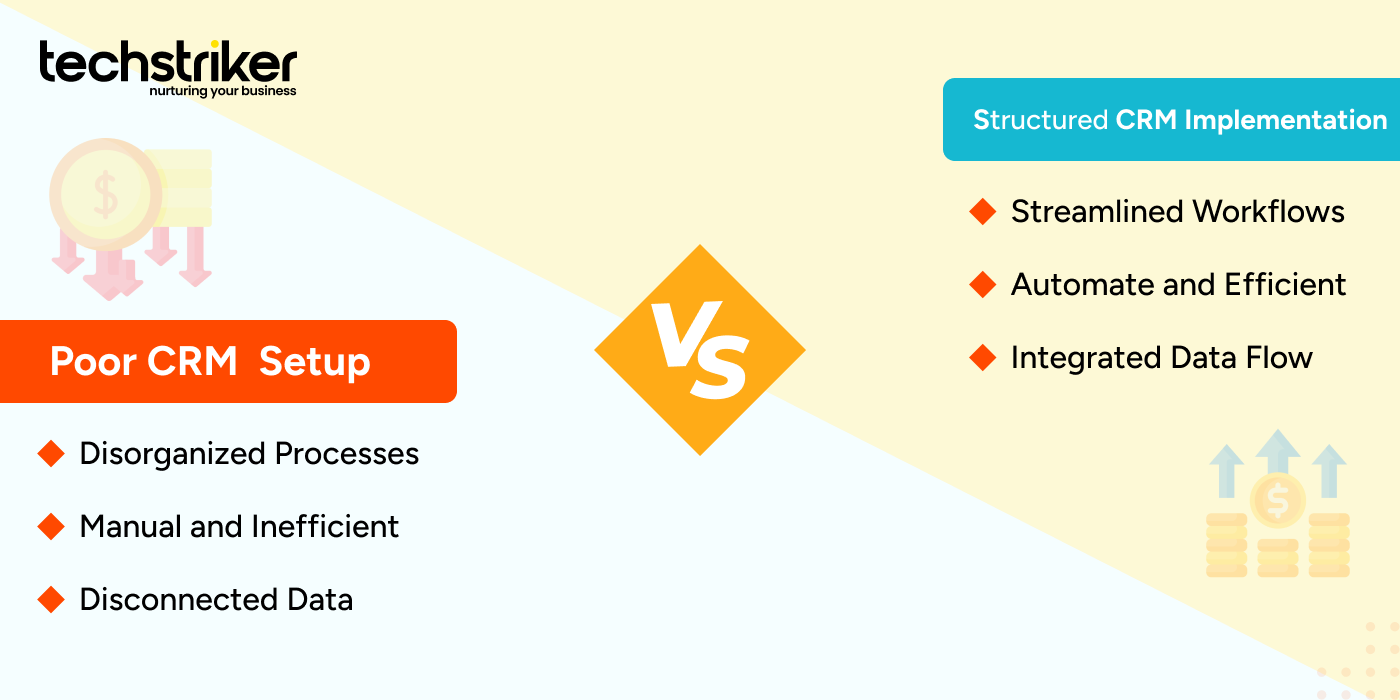
Without a structured installation, teams frequently misuse HubSpot, resulting in disorganized data, broken processes, and low adoption. In simple terms, HubSpot CRM implementation services determine if HubSpot is a growth system or a reporting burden.
Why HubSpot CRM Implementation Is Critical for Business Growth
Many businesses assume HubSpot will automatically fix their CRM problems. In reality, HubSpot only works as well as the processes behind it.
When CRM implementation is weak:
- Sales teams stop trusting the data
- Deal stages become meaningless
- Forecasts are inaccurate
- Leadership loses visibility
This leads to poor decision-making and missed revenue opportunities.
When HubSpot CRM implementation is done correctly:
- Sales pipelines reflect reality
- Lead ownership is clear
- Follow-ups are consistent
- Performance tracking becomes reliable
CRM implementation is not about speed. It is about building a system that scales with your business.
What Is Included in a Proper HubSpot CRM Implementation
A professional HubSpot CRM implementation touches every part of your revenue operation.
- CRM Structure and Data Architecture
This includes defining contact, company, and deal properties, lifecycle stages, and naming conventions. Clean data architecture ensures consistency as your CRM grows.
- Sales Pipelines and Deal Stages
Pipelines must reflect how your sales team actually sells. Each stage should have a clear purpose, exit criteria, and ownership. Incorrect pipelines create confusion and stalled deals.
- Lead and Deal Automation
Automation supports sales activity through task creation, deal updates, internal notifications, and reminders. Automation should simplify work, not complicate it.
- Integrations with Existing Tools
HubSpot CRM services often integrates with email systems, marketing tools, accounting software, and support platforms. Proper integration ensures data consistency across systems.
- Reporting and Dashboards
Reports provide visibility into pipeline health, deal velocity, conversion rates, and revenue. Without a correct setup, reports cannot be trusted.
- User Roles and Permissions
Controlled access prevents accidental changes and ensures accountability across teams. Skipping any of these elements leads to long-term operational issues.
HubSpot CRM Implementation Process Step by Step
A successful HubSpot CRM implementation follows a structured approach.
- Business Analysis & Process Planning
This phase focuses on understanding your sales process, lead sources, deal flow, and reporting needs. Most CRM failures happen because this step is rushed or skipped.
- CRM Design and Architecture
Based on discovery, properties, pipelines, automation rules, and data standards are designed. This is where scalability is decided.
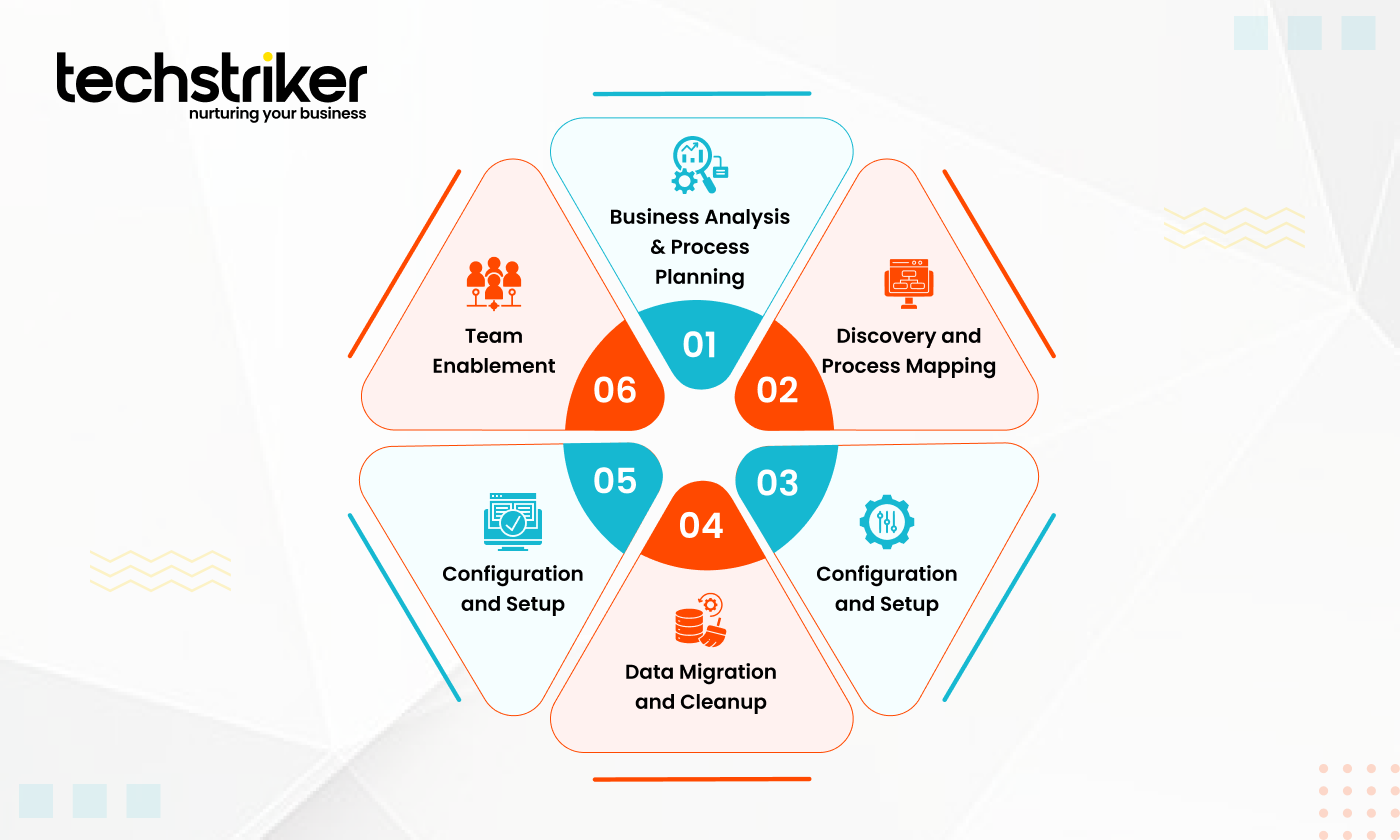
- Configuration and Setup
HubSpot CRM is configured according to the approved design. Pipelines, properties, automation, and integrations are implemented at this stage.
- Data Migration and Cleanup
Existing data is imported carefully, cleaned, and mapped correctly. Poor HubSpot CRM migration creates long-term data problems.
- Testing and Validation
Workflows, pipelines, and reports are tested before full rollout to avoid issues in live systems.
- Team Enablement
Teams are trained on how to use HubSpot CRM correctly and consistently. Adoption is critical to success.
How Long Does HubSpot CRM Implementation Take?
The timeline for HubSpot CRM setup depends on business complexity.
- Basic CRM setup: 1 to 2 weeks
- Sales pipeline and automation setup: 3 to 5 weeks
- Advanced workflows, integrations, and reporting: 5 to 8 weeks
Factors that affect the timeline include:
- Number of pipelines
- Data quality
- Integrations required
- Internal decision-making speed
Rushing CRM implementation often creates issues that take months to fix later
Real Cost of HubSpot CRM Implementation
The HubSpot CRM implementation Cost is not just the software fee. It includes time, effort, and opportunity cost.
- HubSpot Native Setup
HubSpot provides basic guidance for CRM setup. This works for simple use cases but offers limited customization for complex sales processes.
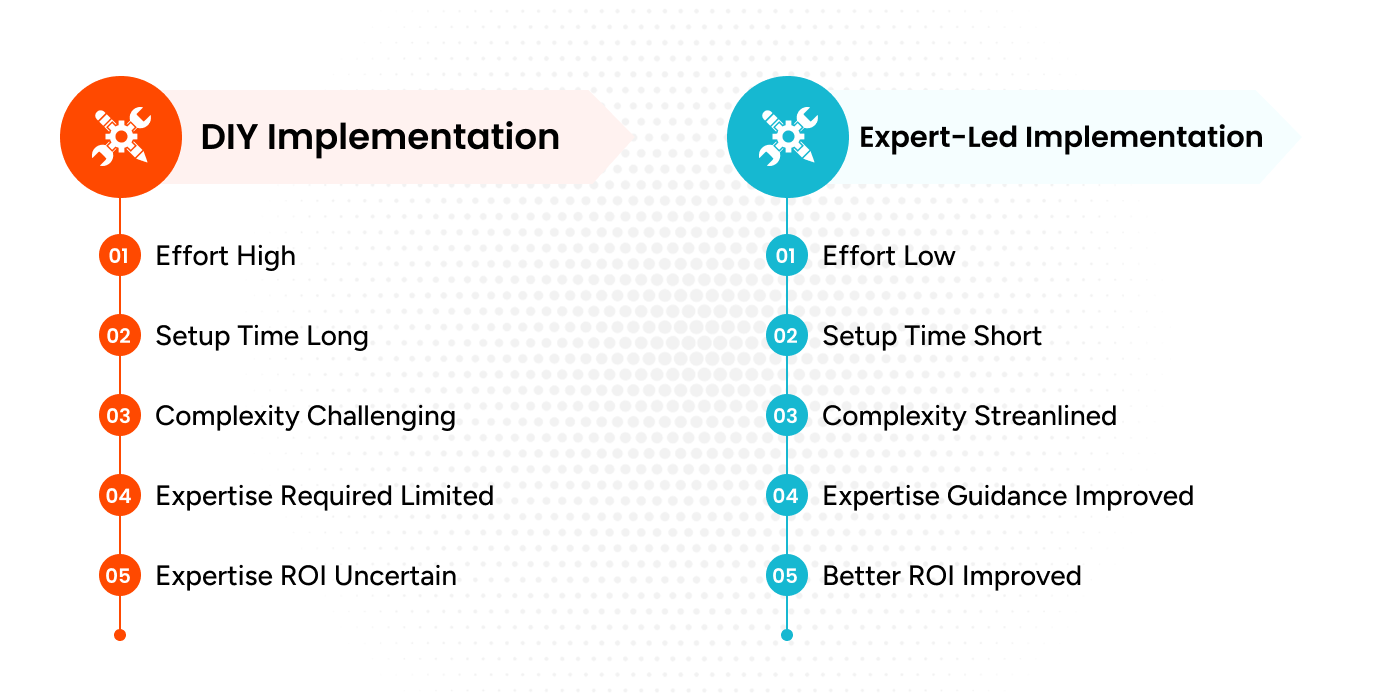
- DIY HubSpot CRM Implementation
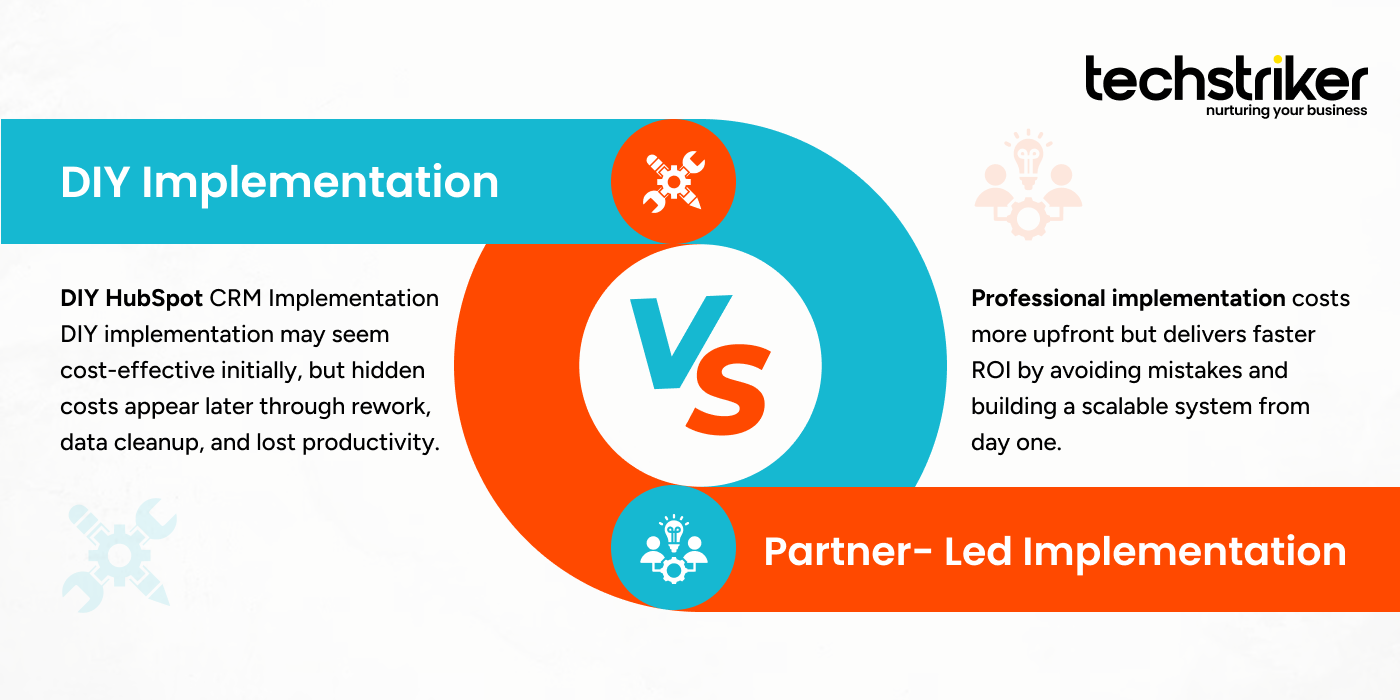
DIY implementation may seem cost-effective initially, but hidden costs appear later through rework, data cleanup, and lost productivity.
- Partner Led HubSpot CRM Implementation
Professional implementation costs more upfront but delivers faster ROI by avoiding mistakes and building a scalable system from day one.
In most cases, fixing a poorly implemented CRM costs more than implementing it correctly the first time.
DIY HubSpot CRM Implementation vs Partner Led Implementation
DIY CRM implementation can work for very small teams with simple sales processes and prior CRM experience.
Partner-led implementation is recommended when:
- You have multiple pipelines or teams
- You rely heavily on CRM reporting
- You want marketing automation workflows aligned with sales activity
- You are migrating from another CRM
HubSpot CRM is a long-term system. Treating implementation as a shortcut usually leads to frustration and poor adoption.
Common HubSpot CRM Implementation Mistakes to Avoid
Many businesses repeat the same mistakes during CRM implementation.
Common issues include:
- Copying generic CRM templates
- Over-automation without clean data
- Ignoring reporting requirements
- Allowing unrestricted access
- Skipping proper discovery
These mistakes reduce CRM effectiveness and lower team trust in the system.
Who Should Invest in Professional HubSpot CRM Implementation
Professional HubSpot CRM implementation Services are ideal for:
- B2B companies
- Growing startups
- Sales-driven organizations
- Businesses migrating from another CRM
- Teams that rely on data-driven decisions
If HubSpot CRM is important to your revenue operations, expert implementation is not an option. It is fundamental.
Need Help with HubSpot CRM Implementation?
If your CRM feels messy, unreliable, or underused, the problem is rarely HubSpot itself. In most cases, it is the implementation. At Tech Striker, we help businesses implement HubSpot CRM the right way from the start. Our approach focuses on real business processes, clean data architecture, and scalable automation.
We help you:
- Design CRM structure aligned with your sales process
- Build automation that supports teams
- Create reliable reports for leadership
- Train teams for long-term adoption
If you want HubSpot CRM to drive measurable growth instead of confusion, now is the right time to get expert help.
FAQs